
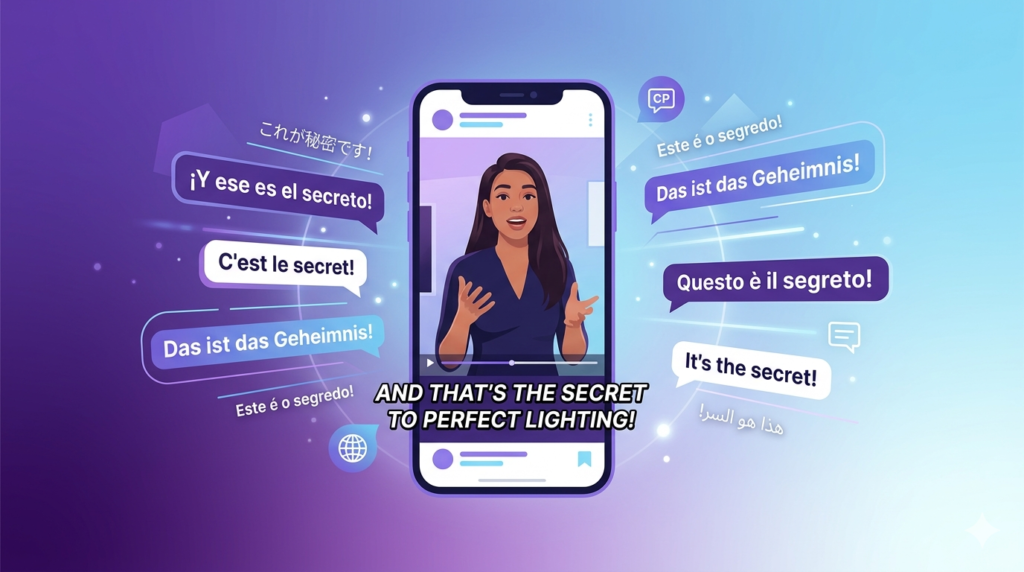
Captions and subtitles are no longer optional for TikTok creators. Studies show that the majority of social media videos are watched on mute, and TikTok is no exception. If your video does not have readable text on screen, you are losing a significant portion of your potential audience.
In 2026, AI tools can generate accurate captions in seconds, saving creators hours of manual work. This article covers the best AI tools for TikTok captions and subtitles and how to use them effectively.
Why Captions Matter on TikTok
Captions serve two important purposes. First, they make your content accessible to viewers who are watching without sound — which is a large percentage of the TikTok audience. Second, they improve viewer retention by reinforcing what is being said visually, which helps the algorithm see that people are watching longer.
Creators who use captions consistently tend to see better engagement numbers, more shares, and stronger account growth over time.
Best AI Tools for TikTok Captions
CapCut — Fastest Caption Tool for TikTok
CapCut generates captions automatically from your video audio in under a minute. The accuracy is strong for clear speech, and you can customize the font, size, color, and position to match your brand style. It also supports multiple languages, which makes it useful for creators targeting international audiences.
The caption tool inside CapCut is one of the fastest and most integrated options available because it is built directly into the editing workflow. You do not need to export or upload to a separate platform.
Why it stands out:
- Fast and accurate caption generation.
- Full customization options for style and position.
- Multi-language support.
- Built into the full editing workflow.
VEED.io — Best for Subtitle Accuracy
VEED.io has one of the most accurate subtitle generators available in a browser-based tool. It handles different accents and speaking speeds better than many competitors, and it gives you a clean editor to review and correct any mistakes.
For creators who need professional-quality subtitles with minimal manual correction, VEED.io is one of the best choices. It also allows you to download the subtitle file in SRT format, which is useful if you publish across multiple platforms.
Why it stands out:
- High accuracy for different accents and speech patterns.
- Downloadable SRT subtitle files.
- Clean subtitle editor for quick corrections.
- Browser-based with no installation required.
Descript — Best for Transcript-Based Captions
Descript generates a full text transcript of your video and lets you edit captions by editing the text directly. This is especially useful for longer recordings where you need precise control over how the captions appear and what they say.
For creators who produce interview or educational content for TikTok, Descript offers a level of caption control that other tools do not match.
Why it stands out:
- Edit captions by editing the text transcript.
- Highly accurate transcription.
- Useful for complex or dialogue-heavy content.
- Strong control over caption timing and placement.
Tips for Better TikTok Captions
Getting captions right goes beyond just generating them automatically. Use these tips to make your captions more effective:
- Keep lines short — no more than five to seven words per line.
- Use large, bold fonts — small text is hard to read on mobile screens.
- Place captions in the center or lower third — avoid covering faces or key visuals.
- Review for accuracy — AI is good but not perfect, especially with names or technical terms.
- Match caption style to your brand — consistent fonts and colors build recognition.
Final Thoughts
AI caption tools have made it easy for every TikTok creator to add professional subtitles to their videos. CapCut is the fastest option for everyday use, VEED.io delivers the best accuracy for diverse speech, and Descript gives the most control for complex content. Adding captions to every video is one of the simplest and most effective things you can do to improve your TikTok performance.