
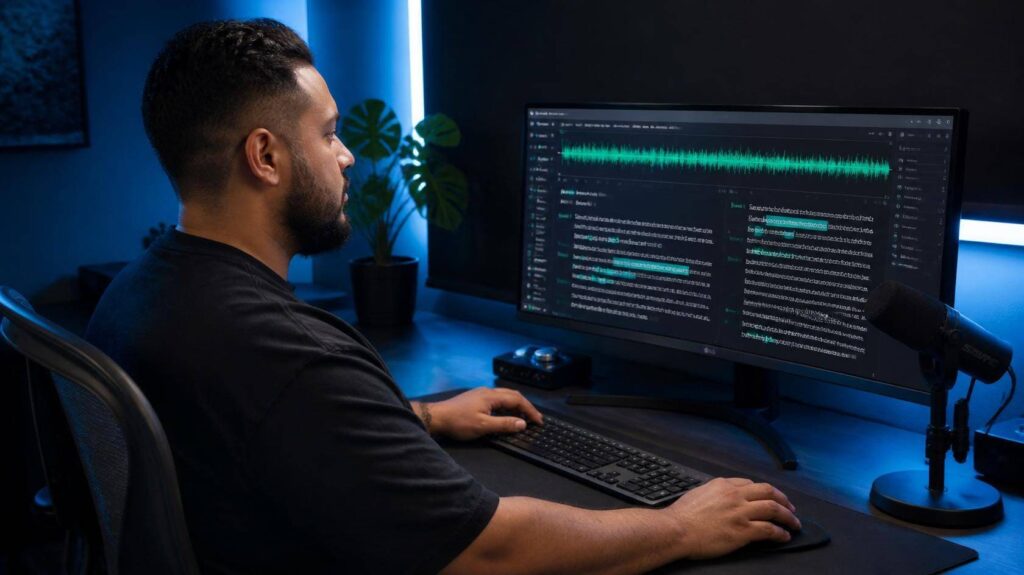
If you’ve ever spent three hours editing a 30-minute podcast, cutting silences, deleting every “um,” and fixing that one sentence you stumbled over, you already understand why Descript exists.
It isn’t just another video editor. It changes how editing works: you edit the words, and the video follows. In this Descript review, I’ll show you where that idea saves real time, where it gets in the way, and why its pricing confuses so many people.
Quick verdict: if you make talking-heavy content, like podcasts, tutorials, interviews or courses, Descript is one of the best tools you can buy. If your videos are mostly visual, fast-cut and effects-heavy, you’ll be happier in a traditional editor.
Table of Contents
Descript Review: How It Works
You drop in a video or audio file and Descript transcribes it. From there, your recording looks like a document. Delete a sentence from the text and it disappears from the video. Drag a paragraph somewhere else and the clip moves with it.
The first time you do it, it feels like a trick. By the third project, it just feels like the obvious way to edit anything where people talk.
The Features That Save You the Most Time
Filler word removal. One click finds every “um,” “uh” and “you know” across the whole recording. You can review them or remove them all at once. For a weekly podcast, this alone can give you back a chunk of every edit.
Studio Sound. This cleans up echo and background noise so a recording made in a normal room sounds closer to a studio. It’s not magic on truly bad audio, but on average home recordings the difference is obvious.
Voice cloning (Overdub). Train it on your voice, then type a correction instead of re-recording a line. It works best for small fixes. Long passages can still sound a little off.
Underlord, the AI co-editor. Ask it to write show notes, suggest titles, find good clips or tighten pacing. Handy, but these AI actions now use credits, so heavy use can push you into a higher plan.
Recording built in. Screen recording and remote recording are part of the app, so you can record an interview and edit it in the same place.
Pros and Cons
| What I like | What to watch out for |
|---|---|
| Editing by text is genuinely faster for talking content | The interface takes an afternoon to click |
| Filler words and silences gone in one click | Weaker for visual, effects-heavy edits |
| Studio Sound rescues average recordings | Pricing is based on media minutes and AI credits, which is hard to predict |
| Recording, editing and clipping in one app | Free exports are watermarked |
| Transcription is very good on clear English | Accents and technical terms need more correcting |
Descript Pricing (and the Catch)
In late 2025, Descript changed how it charges. Instead of simple transcription hours, plans now come with a pool of media minutes plus AI credits for features like Underlord. That’s why older reviews, including the earlier version of this one, list prices that no longer match.
| Plan | Billed yearly | Billed monthly | Good for |
|---|---|---|---|
| Free | $0 | $0 | Trying it out (about 1 hour of media a month, watermarked) |
| Hobbyist | $16/month | $24/month | Solo creators publishing once a week |
| Creator | $24/month | $35/month | Regular podcasters and YouTubers |
| Business | $50/month | $65/month | Small teams |
My honest advice: pay yearly only once you know your monthly volume. A weekly 90-minute show plus guest prep can eat through a plan’s minutes faster than you’d expect.
Who Should Use Descript
- Podcasters who are tired of scrubbing waveforms
- YouTubers making tutorials, explainers or interviews
- Course creators recording lots of lessons
- Anyone who talks more than they shoot b-roll
If you want to turn those long recordings into Shorts automatically, Descript can do it, but a dedicated clipping tool is faster. Read our Opus Clip review to see how they compare.
Descript Alternatives
- CapCut: free, mobile-friendly and better for short, visual content.
- Opus Clip: better if your only goal is turning long videos into short clips.
- Adobe Premiere Pro or DaVinci Resolve: for full professional control, with a much steeper learning curve.
Questions People Usually Ask
Is Descript free?
There’s a free plan with about an hour of media a month. It’s great for learning the editor, but exports carry a watermark.
Is Descript good for beginners?
Yes, especially if you’ve never used a video editor. Editing text feels more natural than a timeline. Give it one proper afternoon and it starts to click.
Hobbyist or Creator?
Hobbyist covers light use. If you publish weekly, want Studio Sound without limits, or use the AI features a lot, Creator is usually worth the jump.
Can Descript replace Premiere Pro?
For talking content, often yes. For color grading, complex effects or cinematic edits, no.
Descript Review Verdict: 4.6/5
The short version of this Descript review: it earns its place in any talking-content creator’s toolkit. It doesn’t make you more creative. It just removes the slow, boring parts of editing so you get to the creative part sooner.
The only real knock is the pricing model, which takes some planning. Start free, edit one real episode, and you’ll know within an hour whether it fits.