
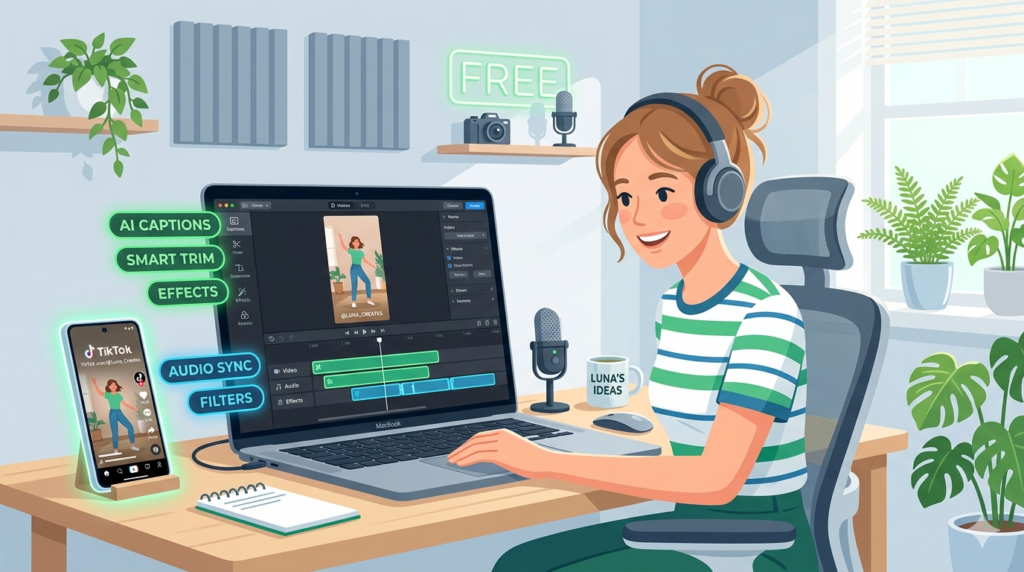
You don’t need to spend money to make good TikToks. Some of the best editors out there are free, or have free plans generous enough that many creators never upgrade.
Here are the three free AI video editors for TikTok worth using, what each is best at, and the limits you’ll eventually run into.
Table of Contents
The Three at a Glance
| CapCut | VEED | DaVinci Resolve | |
|---|---|---|---|
| Best for | Everyday TikTok editing | Quick edits in the browser | Pro-quality editing for free |
| Learning curve | Very easy | Easy | Steep |
| Mobile app | Yes | Browser only | Desktop (and iPad) |
| Auto captions | Yes | Yes | Limited in the free version |
| Main free limit | Some AI features capped | Free exports may be watermarked | Some advanced features are paid |
1. CapCut: The Top Free Choice
CapCut is what most TikTok creators use, and its free plan explains why. You get auto captions, trending templates, effects, voice enhancement and background removal, on your phone or computer. Most people can go from raw footage to a finished TikTok in about ten minutes.
The catch: some AI tools have monthly limits on the free plan. If you start hitting them every week, that’s the time to look at Pro.
2. VEED: Best Free Browser Editor
VEED works right in your browser, so it’s handy on a shared or borrowed computer. Its subtitle tool is accurate and easy to correct, and trimming and text overlays are simple. Perfect for quick, clean edits.
The catch: free exports may carry a watermark and lower limits, so check before you publish anything important.
3. DaVinci Resolve: Best Free Professional Option
DaVinci Resolve is a full professional editor, and its free version is remarkably complete: color grading, audio tools and advanced editing, with no watermark on exports. If you want cinematic-looking TikToks and you’re willing to learn, nothing else free comes close.
The catch: it takes real time to learn, and it’s built for desktop editing rather than quick phone edits.
Which Free Editor Should You Pick?
- Just starting, editing on your phone: CapCut.
- Editing on different computers: VEED.
- Want to grow your editing skills: DaVinci Resolve.
Getting the Most Out of Free Tools
Learn the core features properly before chasing extras. Use templates to speed things up, always use auto captions, and save your own style as a template so every video looks consistent. Most creators never actually hit the free limits, especially when they keep their edits simple.
Ready to compare paid options too? See our list of the best AI video editors for TikTok.