
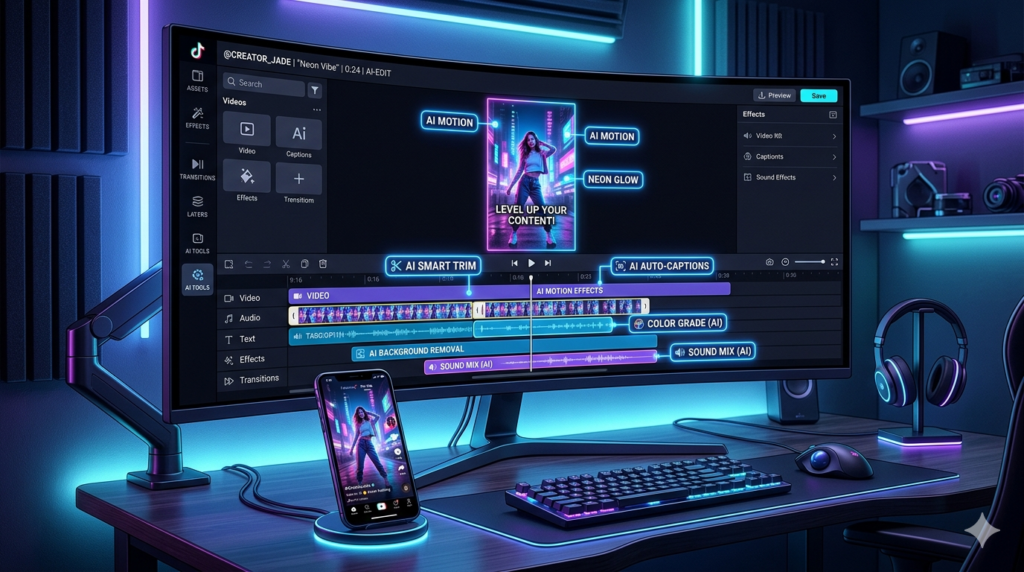
Great TikTok content isn’t just about what you film. It’s about how fast you can turn raw footage into something people actually stop scrolling for. And if you’re posting several times a week, editing speed becomes everything.
That’s where an AI video editor for TikTok earns its keep. Here are the five worth your time, what each one is best at, and how to pick.
Table of Contents
Quick Pick by Creator Type
| If you are… | Use |
|---|---|
| Posting daily from your phone | CapCut |
| Turning long videos into TikToks | Opus Clip |
| Editing in the browser on any device | VEED |
| Making talking-head or interview clips | Descript |
| A pro who needs full control | Adobe Premiere Pro |
What AI Editing Actually Does for You
- Adds captions automatically (most TikToks are watched on mute)
- Cuts silences, pauses and filler words
- Finds the best moments in long recordings
- Reframes wide video to vertical 9:16
1. CapCut: Best for Everyday TikTok Creators
CapCut is the default for a reason. It’s built for short-form, it’s on your phone and your computer, and its free plan covers most of what you need: auto captions, trending templates, effects and background removal. Shoot, edit and post in minutes.
Watch out for: some AI features are capped on the free plan, and Pro pricing varies a lot by country.
2. Opus Clip: Best for Repurposing Long Videos
Got podcasts, webinars or YouTube videos? Opus Clip finds the best moments, cuts them to vertical and adds captions automatically. You review instead of edit. It’s the fastest way to get a steady flow of TikToks from content you’ve already made. Read our Opus Clip review, or see CapCut vs Opus Clip.
3. VEED: Best for Browser-Based Editing
VEED runs entirely in your browser, so there’s nothing to install. It’s strong on subtitles and text overlays, has a clean interface, and works well for teams sharing projects. A solid choice if you switch devices a lot.
4. Descript: Best for Spoken-Word Content
If your TikToks are mostly you talking, Descript can be faster than any timeline editor. You edit the transcript, and the video follows. Filler words disappear in one click. Read our Descript review.
5. Adobe Premiere Pro: Best for Professionals
Premiere Pro gives you total control over color, sound and motion, plus a growing set of AI features. It’s overkill for most TikTokers and has a real learning curve, but for agencies and pro creators it’s the gold standard.
Five Editing Habits That Matter More Than the Tool
- Hook in the first two seconds. No intros, no “hey guys.”
- Big, readable captions. Most viewers watch without sound.
- Cut ruthlessly. If a second doesn’t add something, it goes.
- Stay vertical. Shoot and edit in 9:16.
- Let AI do the boring parts. Spend your energy on ideas and delivery.
Want a step-by-step version? See our guide on how to edit TikTok videos with AI.