Here’s something most creators figure out too late: you don’t need more ideas. You need to get more out of the ideas you already have.
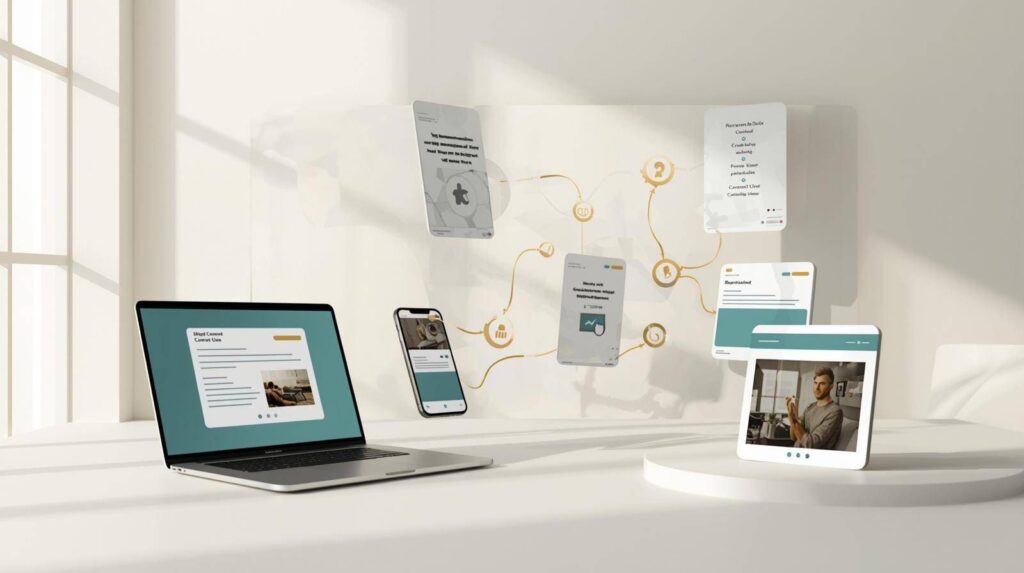
One good idea can be a blog post, a newsletter, a LinkedIn post, an Instagram carousel and three Shorts. Doing that by hand takes all week. With the right AI content repurposing tools, it takes an afternoon, and you still sound like yourself.
Table of Contents
Where Creators Actually Lose Time
It’s rarely the big creative work. It’s the repetitive stuff around it:
- Starting every format from a blank page
- Rewriting the same point five different ways for five platforms
- Formatting and resizing visuals by hand
- Scrubbing through long videos to find a clip worth posting
- Jumping between too many tools
The tools below each fix one of those problems. You don’t need all of them.
The Best AI Tools for Repurposing Content
| Tool | What it turns into what | Free plan? |
|---|---|---|
| ChatGPT | One idea into posts, threads, emails and scripts | Yes |
| Claude | Long articles into polished shorter versions | Yes |
| Canva AI | Text into carousels, graphics and simple videos | Yes |
| Opus Clip | Long videos into Shorts, Reels and TikToks | Yes |
| Descript | Podcasts and recordings into clips, show notes and transcripts | Yes |
1. ChatGPT: Turn One Idea Into Every Format
Give ChatGPT your blog post and ask for a LinkedIn post, an X thread, a newsletter intro and a 60-second video script. You’ll have rough drafts of all of them in a couple of minutes. It’s the fastest way to break the blank page in every format.
Tip: paste in two or three of your past posts first and ask it to match your tone. The difference is huge.
2. Claude: Better When the Rewrite Needs Care
Claude is the one to use when you want a thoughtful rewrite, not a quick conversion. It handles long articles well, keeps your voice, and is great at cutting a 2,000-word post into a sharp 400-word newsletter without losing the point. Not sure which to use? Read ChatGPT vs Claude.
3. Canva AI: Turn Words Into Visuals
Take the three key points from your article and turn them into an Instagram carousel, a Pinterest pin or a LinkedIn document post. Canva’s AI features help with layouts, text and images, and its templates keep everything on-brand. It’s ideal if you don’t want to spend hours designing every post.
4. Opus Clip: Turn Long Videos Into Shorts
If you record videos or podcasts, this is the biggest time-saver on the list. Upload one long recording and Opus Clip finds the best moments, cuts them to vertical and adds captions. One episode can become a week of Shorts. Read our Opus Clip review.
5. Descript: Turn Recordings Into Everything Else
Descript transcribes your recording, so you instantly have text to work with: show notes, a blog draft, quotes for social posts. Because you edit by editing text, cutting a clip is as easy as highlighting a paragraph. Read our Descript review.
A Simple Repurposing Workflow
Here’s a realistic flow you can run every week:
- Create one main piece. A blog post, a YouTube video or a podcast episode.
- Pull out the key points. Ask ChatGPT or Claude for the five strongest ideas.
- Write the social posts. One idea per post, adapted to each platform.
- Make one visual. Turn the best idea into a carousel in Canva.
- Clip the video. Run the recording through Opus Clip or Descript.
- Polish and schedule. Read everything once in your own voice, fix what sounds off, and spread it across the week.
The last step is the one people skip, and it’s the one that matters most. AI speeds up the process. It shouldn’t rush the final result.
AI Content Repurposing Tools: Common Questions
What is content repurposing?
Turning one piece of content into several formats for different platforms, like a blog post becoming social posts, a newsletter and short videos.
Can I repurpose content for free?
Yes. ChatGPT, Canva and Opus Clip all have free plans that are enough to get started.
Won’t my audience notice the same content everywhere?
Most people follow you on one or two platforms, not all of them. And if each version is adapted to its platform, it feels fresh even to those who see more than one.